Virtual staging for real estate photography

Help buyers see what the room can become.

Turn empty-room photography into polished listing images—while keeping the walls, windows, flooring, and view exactly where they belong.

5 free images included · no credit card required.

How it works

From empty to furnished in three steps.

01Upload an empty room image

Drop in a wide, bright photo of the empty space. Stageivo checks the file and gets it ready to stage.

02Choose the room and style

Pick the room type, the interior look, and how much furniture the space should carry.

03Compare the result

Drag between the original and the staged version. The architecture stays exactly where it was.

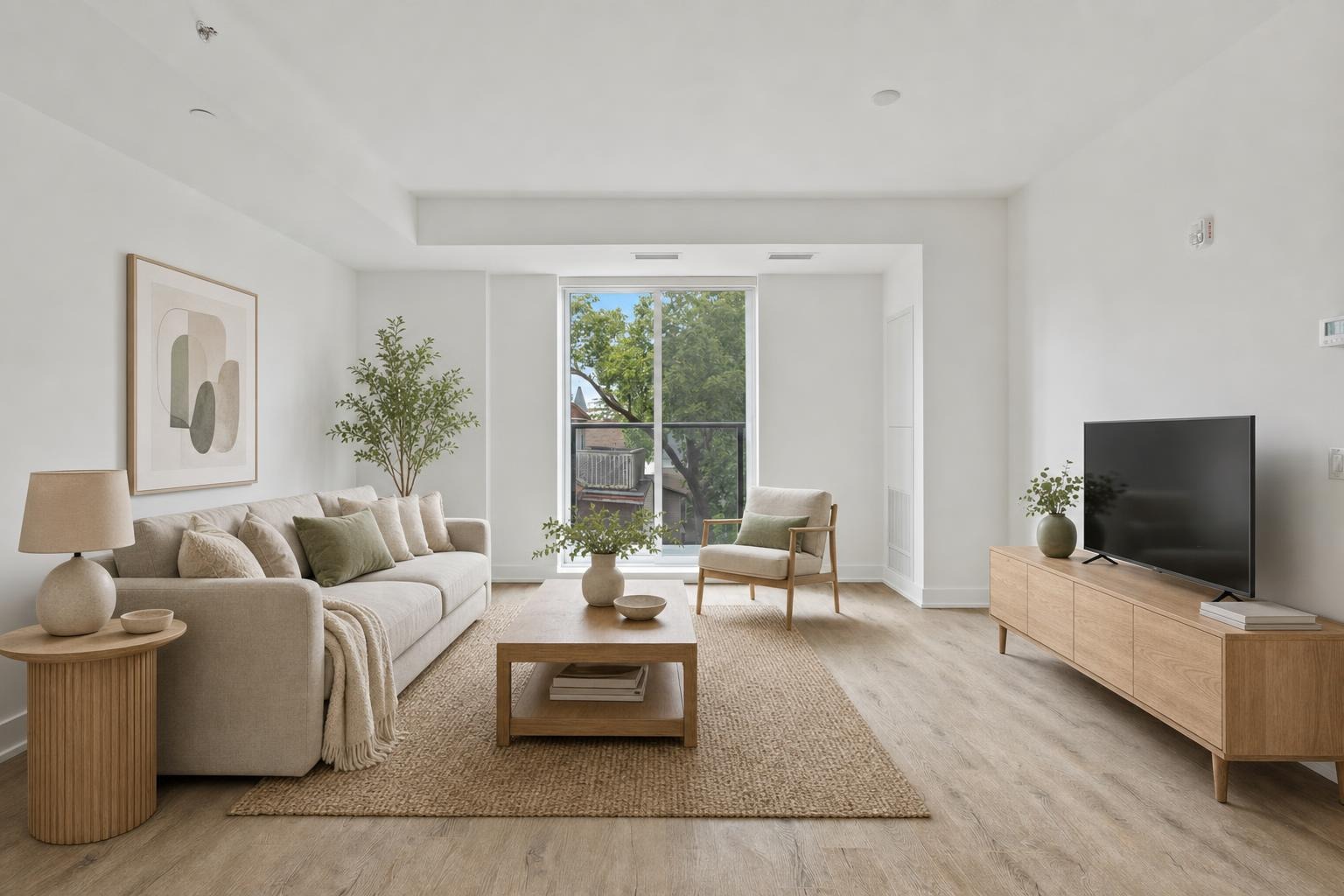
Living room · ScandinavianReady
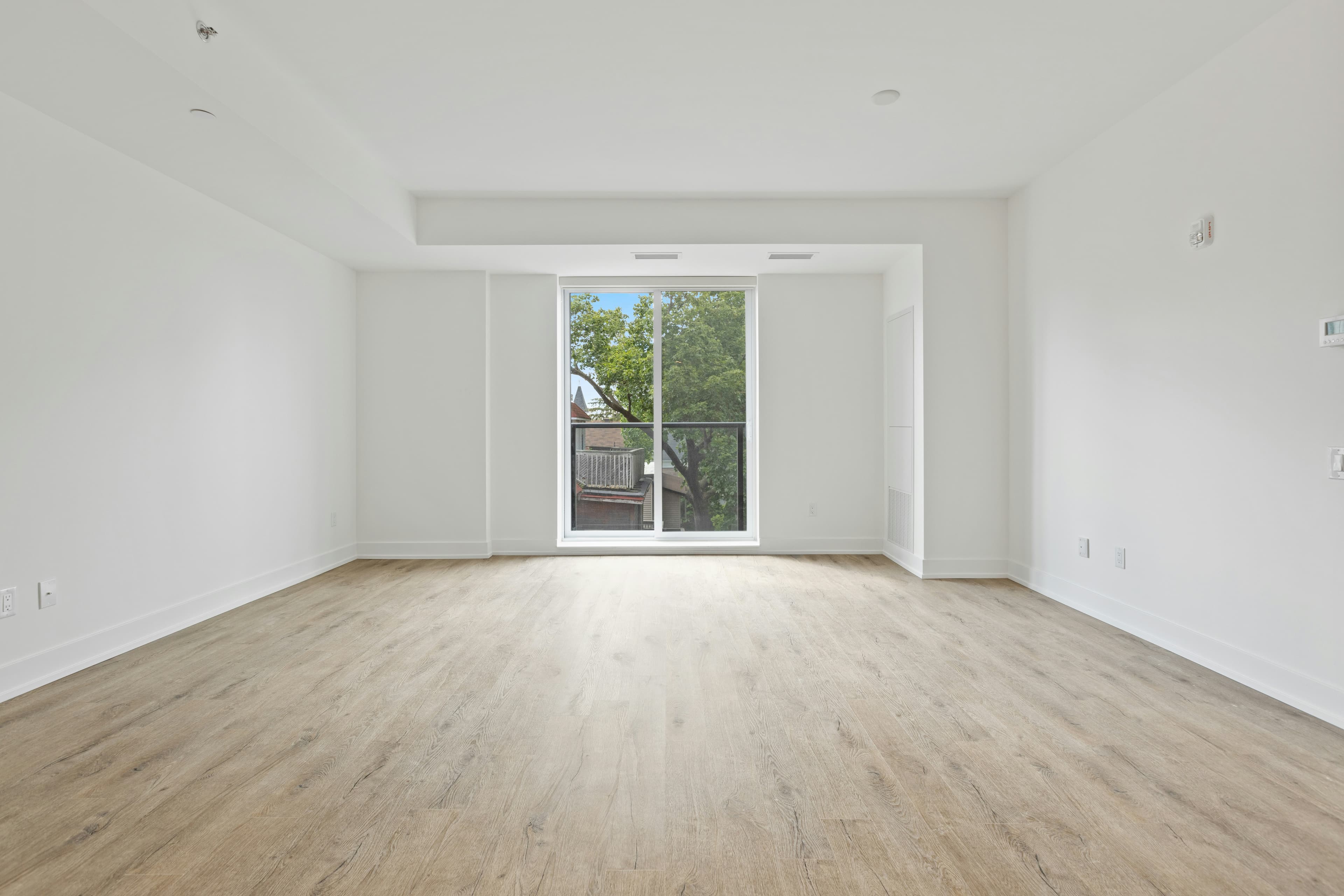
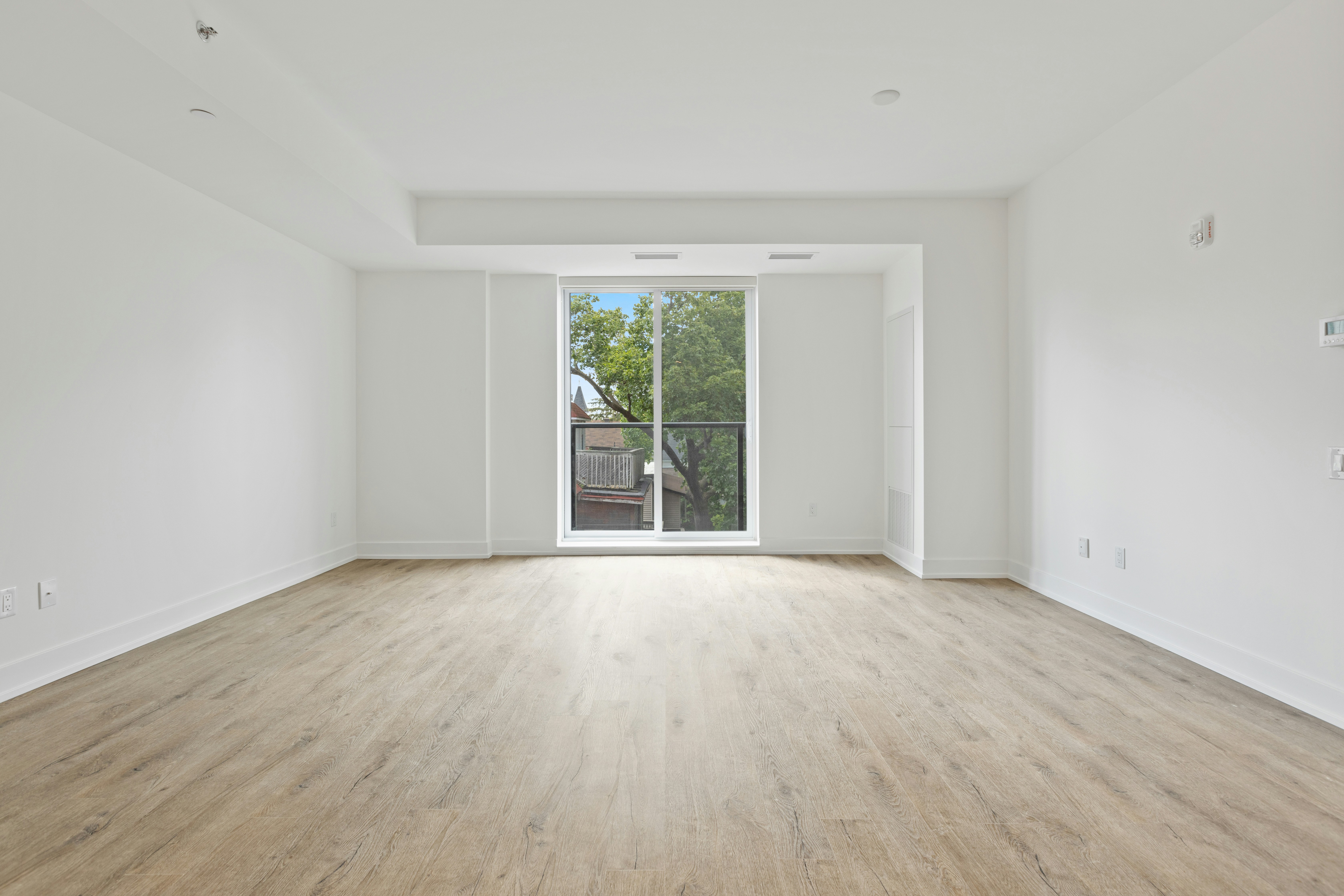
An empty living room before virtual staging
The same living room with a virtual staging preview
OriginalVirtually staged
Drag to compare
  1. Upload
  2. Choose a style
  3. Compare

Examples

Real rooms, before and after.

Every pair below came out of Stageivo. Drag the handle across the card in front to move between the photo that was uploaded and the staged result.

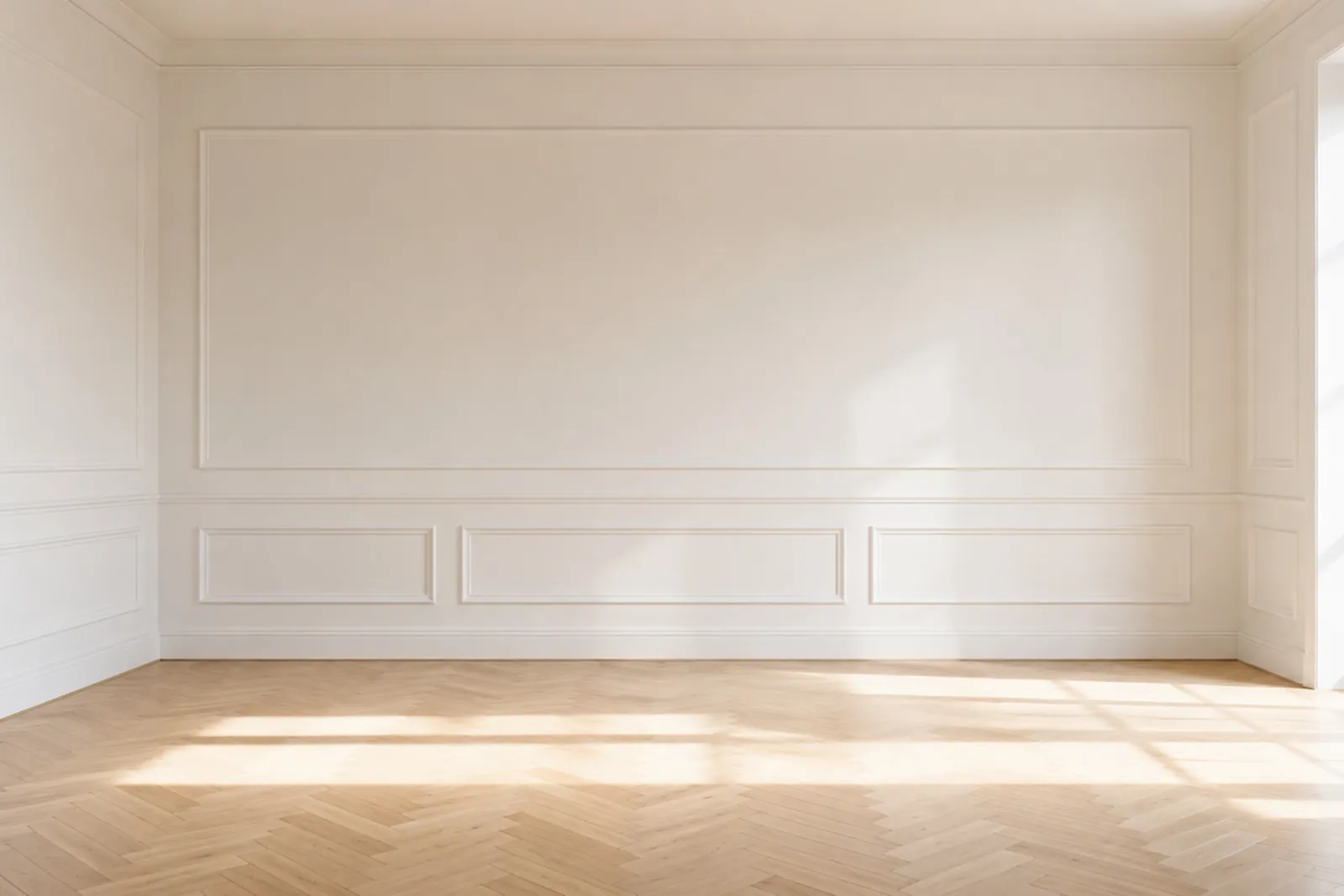
A bright living room with wall panelling and a herringbone floor, before staging
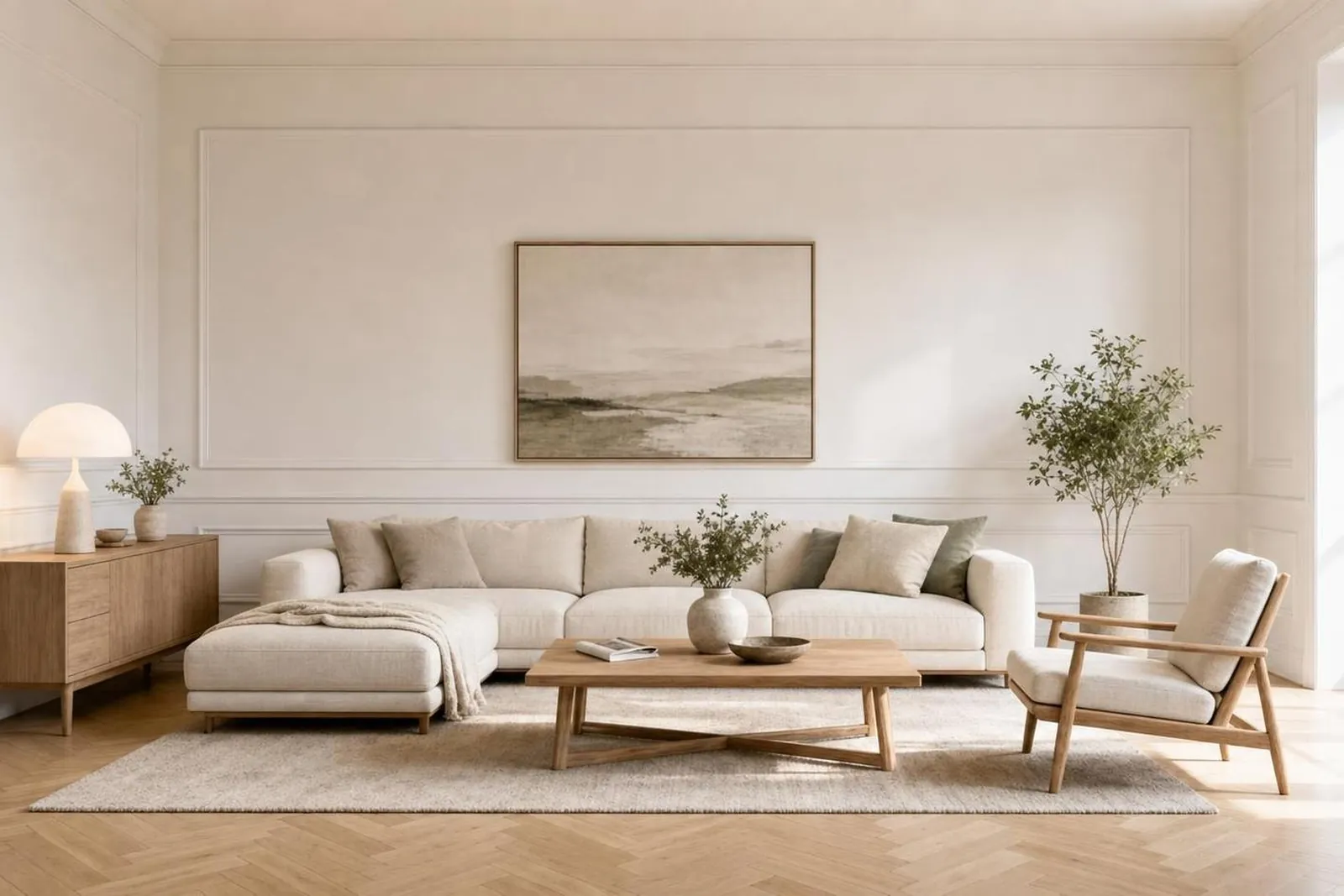
A bright living room with wall panelling and a herringbone floor, staged in a warm minimal direction
UploadedStaged

Warm minimal

Panelled living room

A low sofa, a round table and an olive tree give the room a use. The panelling, the herringbone floor and the light falling across it are the photograph’s own.

Pricing

A photo plan that grows with your listings.

Start with five free images, then pick the monthly or yearly allowance that matches your active inventory. Cancel whenever you like.

Billing frequency
Starter

A practical starting plan for everyday listing work.

$10 / month$1.00 / image

10 images per month

  • Download-ready exports
  • Multiple variants per room
  • Review and correct before download
ProPopular

More room for active agents and small teams.

$40 / month$0.80 / image

50 images per month

  • Download-ready exports
  • Multiple variants per room
  • Review and correct before download
Advanced

Maximum volume for substantial listing inventory.

$120 / month$0.60 / image

200 images per month

  • Download-ready exports
  • Multiple variants per room
  • Review and correct before download

Subscriptions renew automatically until canceled. By subscribing, you agree to the Terms & Conditions, Privacy Policy, and our Refund Policy, shown at checkout.

Frequently asked questions

The practical details, before your first listing.

Virtual staging rules can differ by state, brokerage, MLS, and advertising channel. Stageivo helps you review each image, while you remain in control of the final listing.

Try five images free
What does Stageivo change in a room photo?
Stageivo is designed to add movable furniture, artwork, plants, rugs, and décor to interior room photography. It is not intended to hide defects or change permanent property features, room dimensions, views, flooring, walls, windows, or fixtures.
Is virtual staging allowed in real-estate listings?
It is commonly permitted when the image remains truthful and the alteration is properly reviewed, but there is no single nationwide MLS rule. Your local MLS, brokerage, state law, advertising platform, and professional obligations may add requirements or prohibit particular edits.
Do I need to publish the original photo too?
Keeping the original with every staged image is the safest workflow and is required in some places. For example, California rules effective in 2026 require access to the unaltered image when covered real-estate advertising uses a digitally altered image. Some MLSs require the original immediately before or after the altered photo.
Can Stageivo guarantee MLS or legal compliance?
No software can account for every local rule or how an image is ultimately used. Stageivo provides comparison and review tools, but the listing professional is responsible for reviewing the output, preserving originals, obtaining photo rights, and satisfying local legal, MLS, brokerage, and fair-housing requirements.
Who can see my uploaded property photos?
Projects are private to your authenticated account and authorized service providers that process or secure the service. Images are processed only to provide the requested service. See our Privacy Policy for the complete details.
What if the generated image changes something structural?
Do not publish it. Compare every variant with the original, reject inaccurate results, and generate a new set. Stageivo outputs are creative assistance—not a verified representation, inspection, appraisal, floor plan, or property condition report.
How do subscriptions and photo allowances work?
Each plan includes a monthly or yearly photo allowance shown at checkout. A generation may use allowance as stated before you confirm it. Subscriptions renew until canceled, and billing is handled by Dodo Payments, our merchant of record.
Can I cancel my subscription at any time?
Yes. You can cancel at any time from the billing page or Dodo Payments' customer portal. Your subscription remains active, and you can use the remaining quota, until the current paid billing period ends.
Do unused images carry over?
No. There is currently no carry-over feature. Unused images expire at the end of the monthly or yearly billing period, and the next period starts with its own allowance.